This can be due to
- 1. The system or mobile where you plugged in the token has no xorkee app installed
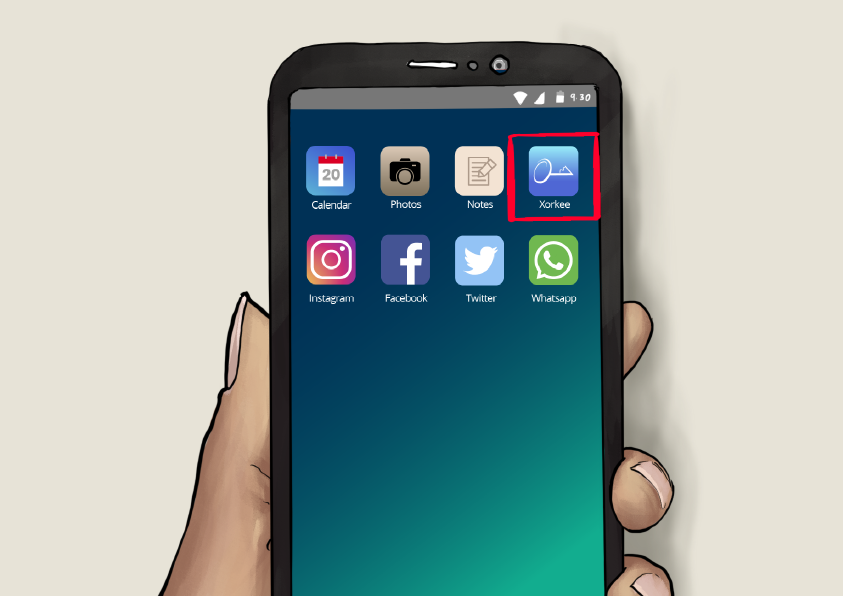
Solution: Install xorkee app
- 2. The token for is not currently plugged into a system or mobile
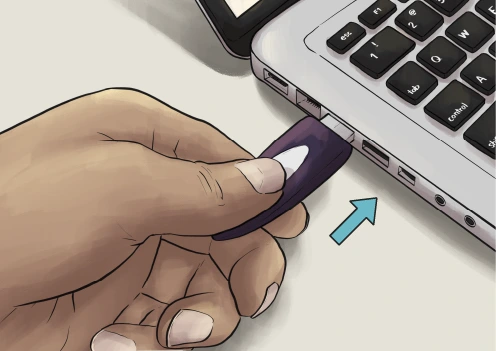
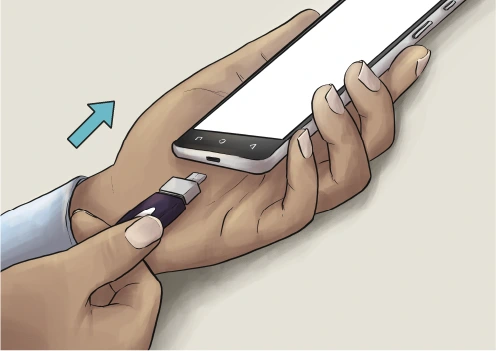
Solution: Plug-in your token
- 3. The token has gone into ‘Sleep mode’ or ‘Paused’ on your PC or Mac
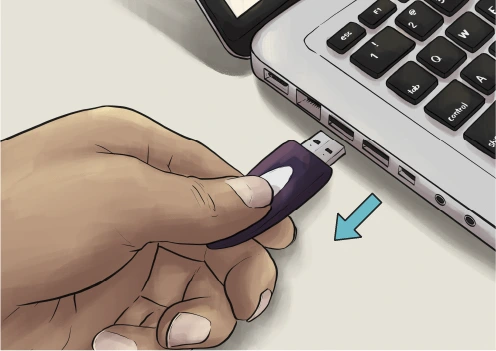
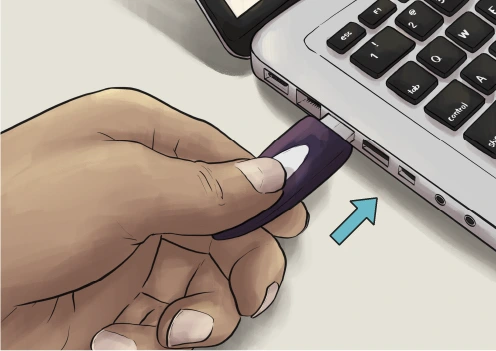
Solution 1: unplugging and re-plugging your token
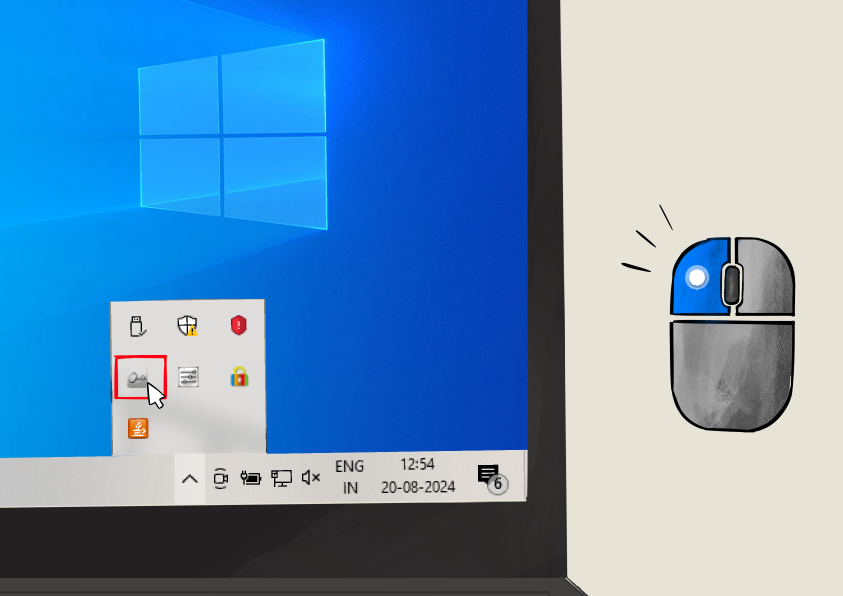
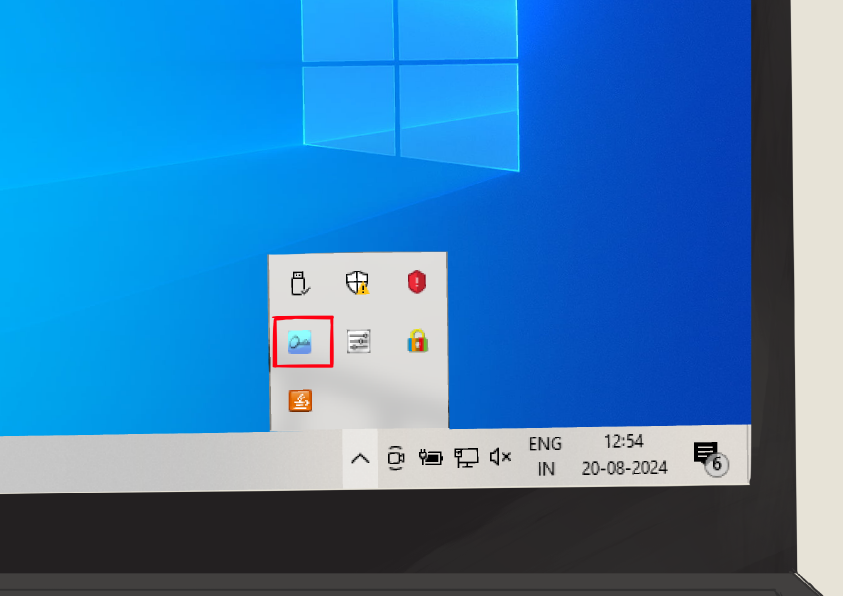
Solution 2: Click on the xorkee icon in the system tray
- 4. You may have two valid DSC tokens with your PAN
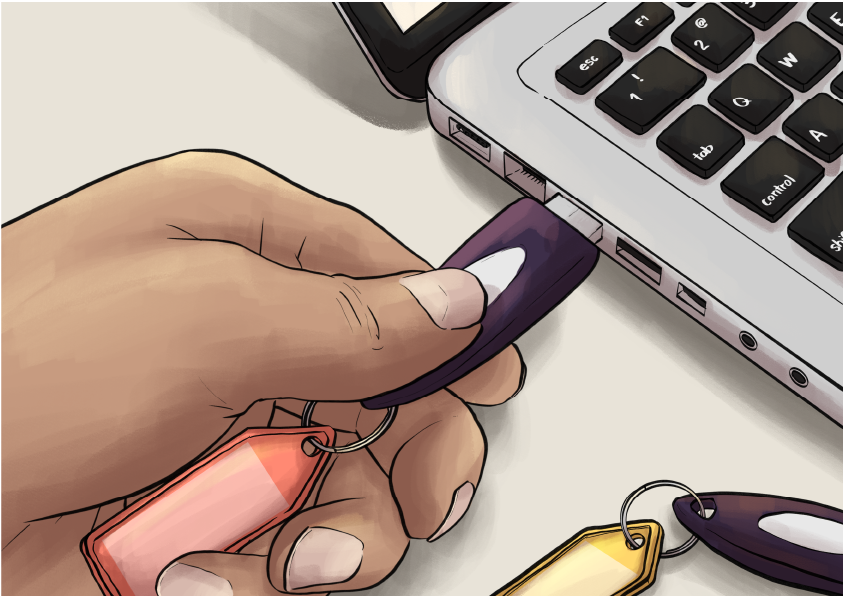
*Solution: You should connect the token relating to
- 5. If your token is connected to the mobile, you may have enabled ‘Do not Disturb’ in the xorkee mobile app
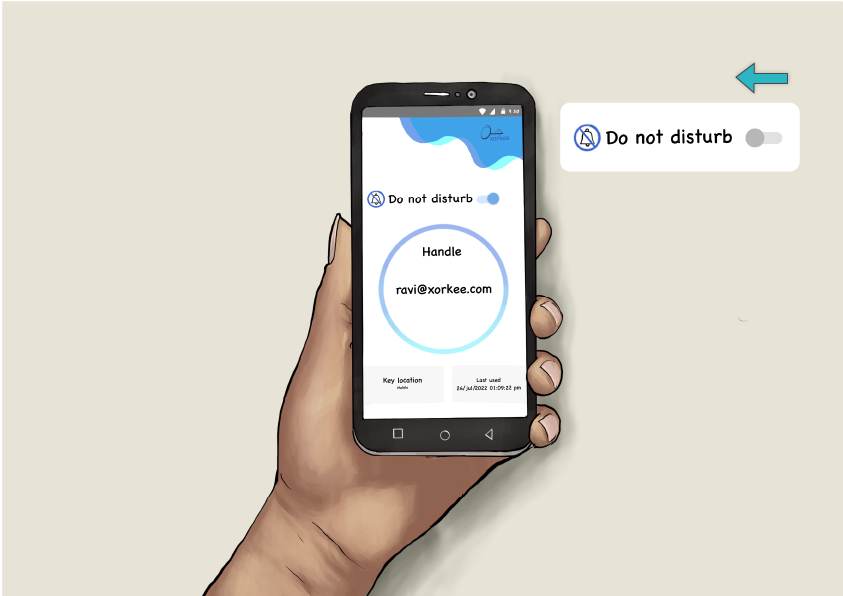
*Solution: Open the xorkee app once
How will you know that has started working?
- Your handle should be visible in the system tray
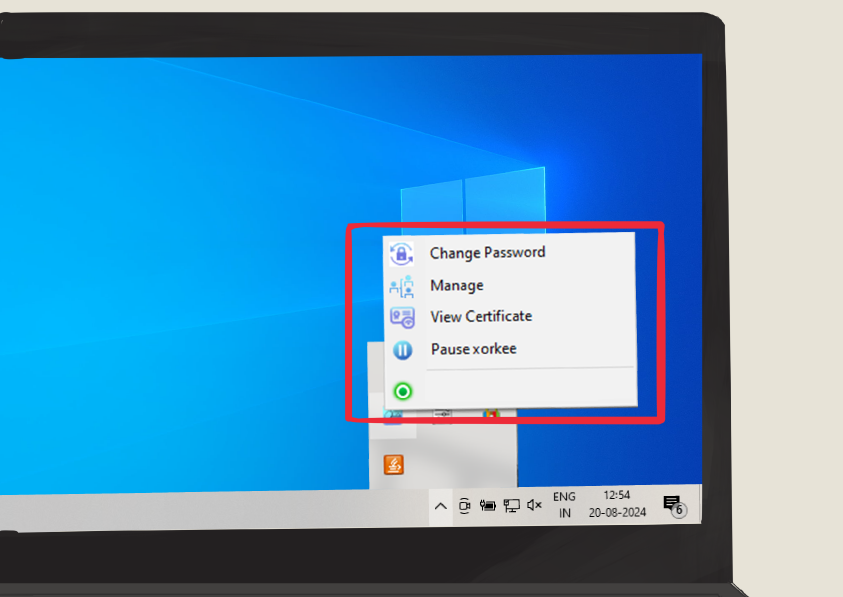 @xorkee.com
If you still face the issue, please share the following details to the email id "xorkeesupport@odysseytec.com"
1. xorkee handle
2. Date and time at which you faced the problem
3. Nature of the problem in brief
* xorkeesign G2C lets you use a single DSC token across all your applications. It also offers you a remote signing facility so you do not need to physically send your token to a branch office or a consultant; you can sign from wherever you are even if the filing is happening from another place. It is a good and adequate practice to buy only one DSC for one PAN.
xorkee remembers only the last DSC you had got a handle for with a particular PAN. It will be simpler for you to register that DSC in all your Government of India portals.
This will ensure that you will not submit a signature from a different DSC to the portal which may be rejected.