
Imprint your identity on all your digital interactions
Talk to an Expert
Why xorkeesign?
With rising digital fraud and impersonation, your identity is at risk. You need the tools to combat this new menace. An immutable digital seal is no longer optional, it is essential to guarantee your authorship and secure your daily communications.
xorkeesign offers industry standard security while maintaining ease of use. xorkeesign blends seamlessly into the tools you already use and brings verifiability to every interaction.
Document Signing
Digitally sign PDF/XML/Text/any file you send, using the multiple rich features of xorkeesign and verify the ones you receive.
Customize your Signature Appearances
For PDFs you can create your unique signature appearances with just your initials or with your name and select fields or an elaborate signature with a logo, company name, designation, etc.

Appearance
Seamless Multi-Page PDF Signing
Add multiple signatures, in any position and style, across as many pages as you need. This is invaluable when you are signing financial or mortgage documents which have specific formats and usually need to be signed in multiple specific positions.

Multi-Page
High-Volume File Signing
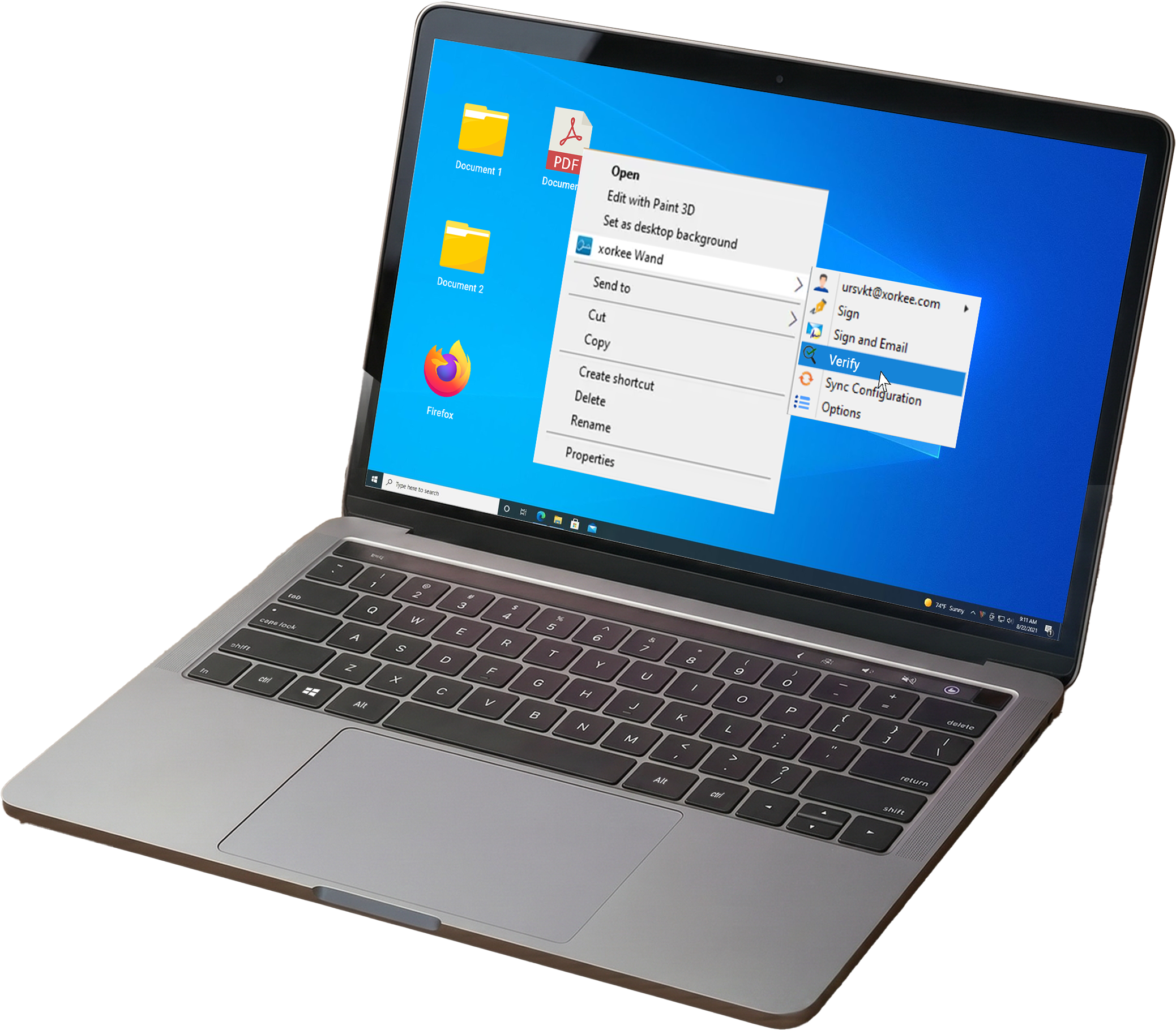
Sign multiple files of the same type together in xorkeesign or sign with a single right click using xorkee Wand.

Bulk Sign
Pre-Format Document Templates
Create multiple signature templates by pre-formatting the signature positions, styles, attributes and save that as a named profile. While signing PDFs, select the suitable profile to automatically place the signatures in the right positions.

Templates
Advanced Multi-Party Signing with Sigmark
Mark the signature positions, styles and names in a PDF document. Useful when a document needs to be signed by multiple signatories and in varying positions. You can save the document and send it to each of the signatories. The signatories themselves can simply click and sign.

Sigmark
Instant Document Verification
You can verify documents for free in the xorkeesign interface. You can also simply right click the file from the Windows explorer or Mac finder and verify using xorkee wand.

Verify
Extended Features

xorkeesign on your home screen
Combine the power of your messaging applications with that of xorkeesign by adding the web app to your home screen as a PWA. Learn more

Integrate API in your applications
Extend xorkeesign benefits to your users by integrating xorkeesign’s REST API in your applications. Learn more

xorkeesign csp for windows
Bring the benefit of xorkee features like driverless token interfaces to traditional apps like Adobe PDF that use CAPI on windows platforms.
Get Started with xorkeesign
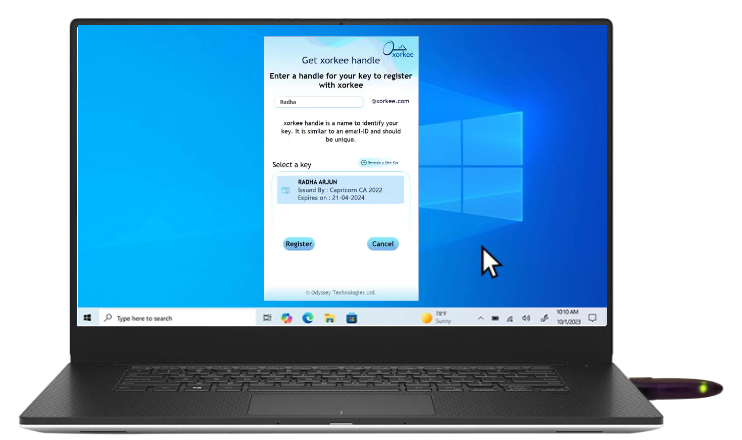
To enroll in xorkeesign you should have a xorkee handle. If you don’t have one, download the xorkee app and get a handle.
If you are a DSC user, connect the token to your PC that has xorkee app installed.
Token users can connect to the mobile using an OTG connector.
TEE users can enroll in xorkeesign right away, but they can sign only specific kinds of documents unless they are part of an IDzone.

also offers

for mail
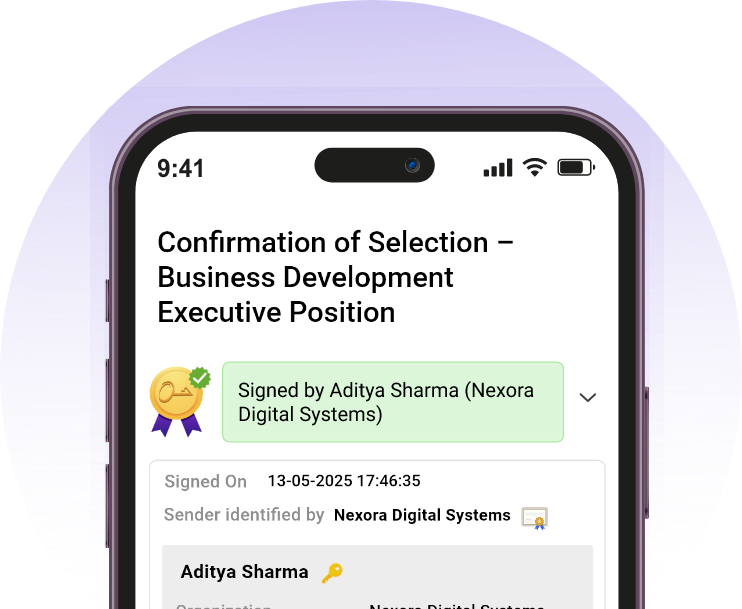
Make your mails authentic
Add your unique digital stamp to an email, distinguishing it from spam messages sent in your name. Ensure trust in the communication with every mail you send and receive using the xorkeesign app or mail extension.

Where compliance meets simplicity
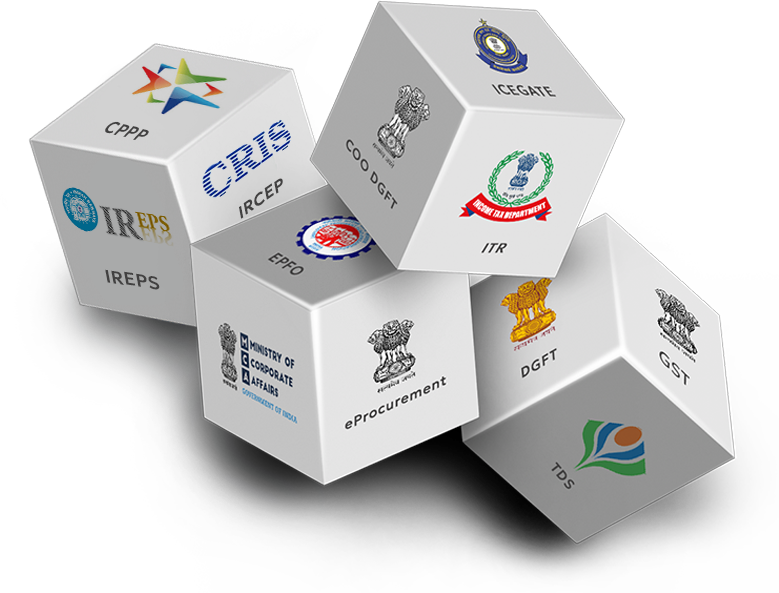
Government transactions no longer have to be complex. With the xorkeesign G2C browser extension, signing on various government portals is fast, compliant and stress free.

Your fastest way to sign files
Digital signatures can never be this easy. You can sign any file or folder from windows explorer and mac finder with a quick right click using xorkee wand.
Frequently Asked Questions
No. An electronic signature is a broad term for any digital mark placed in a document by the signer. Whereas a digital signature is a cryptographic seal that links the author's identity using a Digital Signature Certificate procured from a Certifying Authority (CA) and the integrity of the signed document.
Anybody can verify a signed document within the xorkeesign interface. Any third party application can also be used to verify a xorkeesigned document.
Yes. xorkeesign allows you to create customized signature appearances with your name, initials, designation, logo, and other branding elements provided you're part of an IDzone.
All signature interfaces in xorkeesign offer a preview of the document they sign and the xorkee signature app displays the meta data of the content on their screen before they approve the signature.
The signature is computed within the confines of the user's browser. We don't receive or store your documents.